 Sayumi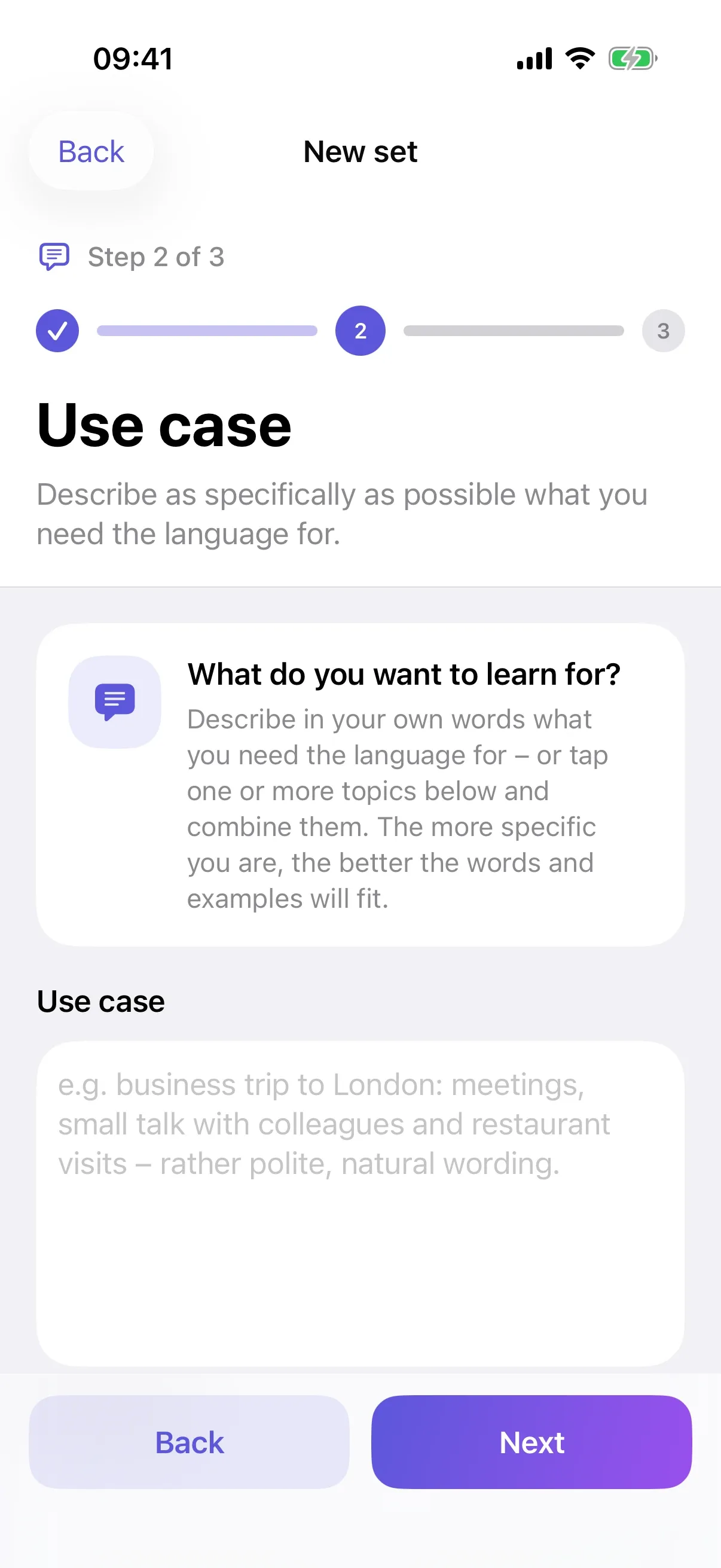
At the right moment
Every card has its own plan. It adapts after each answer.
Sayumi is a vocabulary trainer for iPhone. You describe what you need a language for, and the AI creates matching words with example sentences, pronunciation and grammar. A review schedule based on FSRS brings every word back right before you forget it.
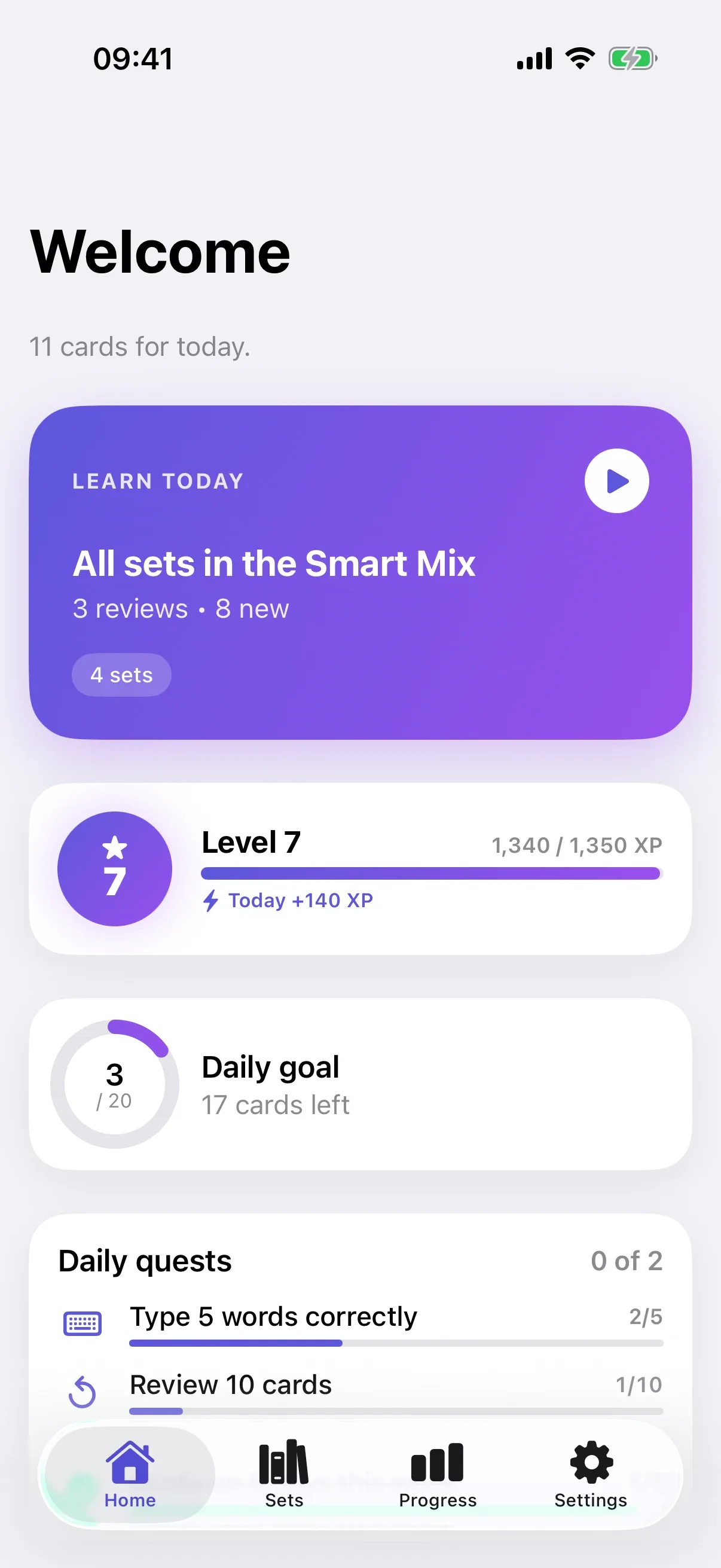
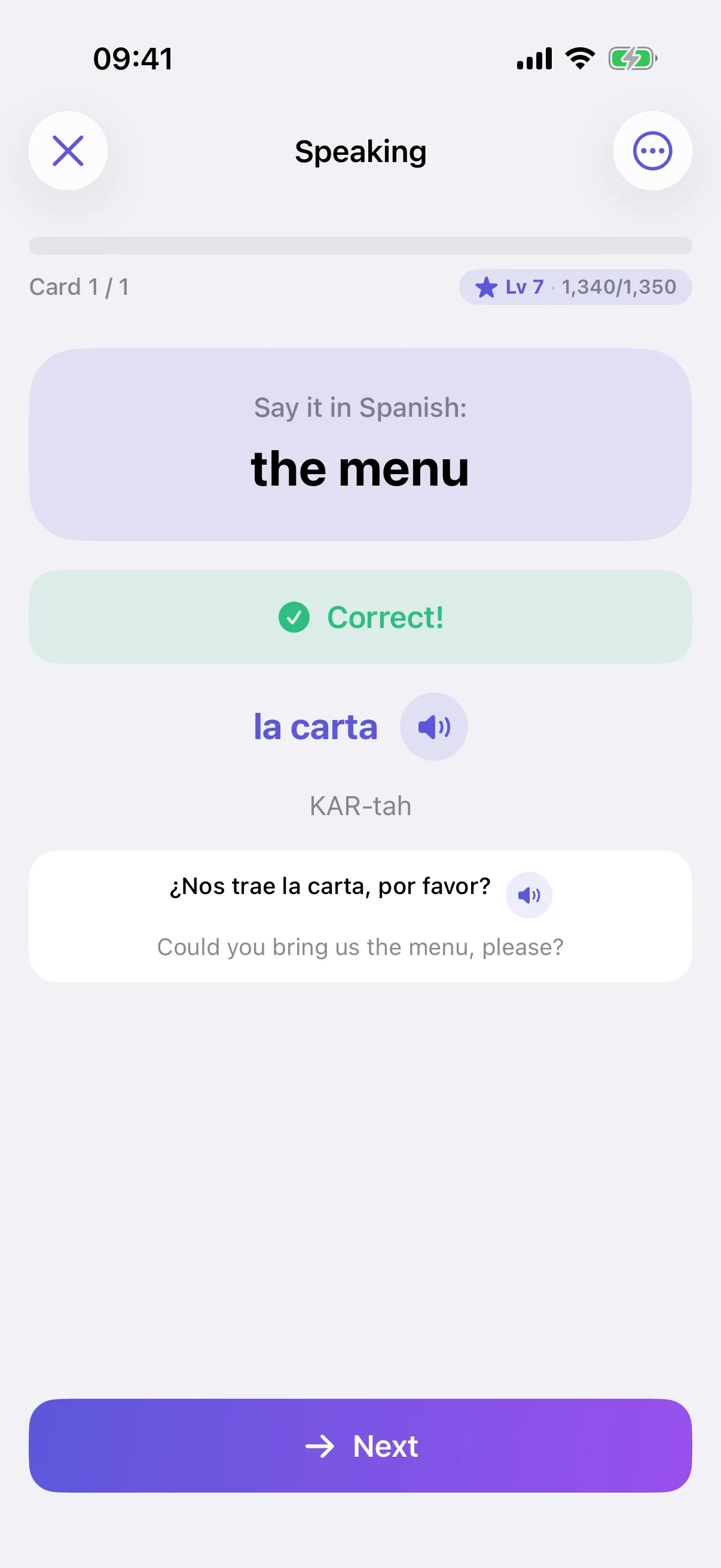
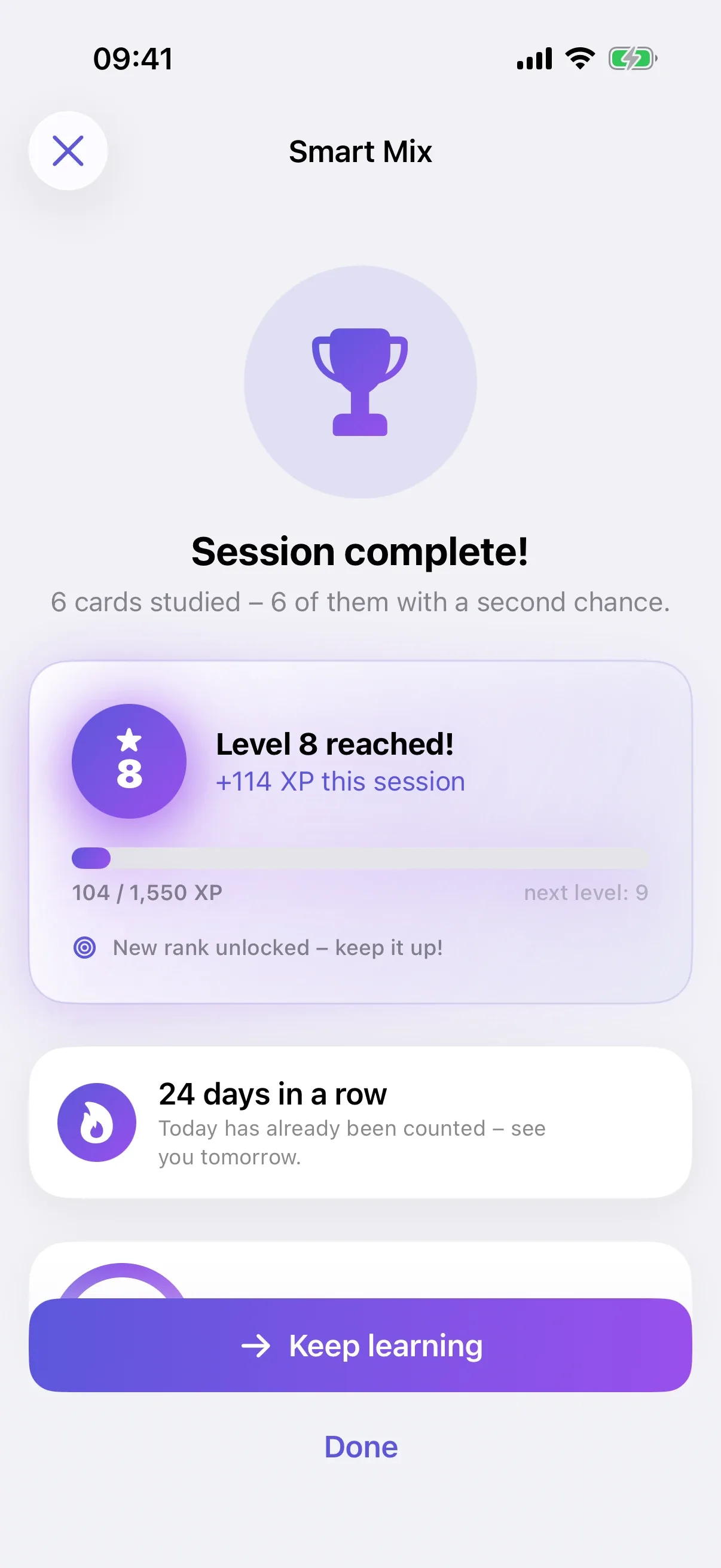
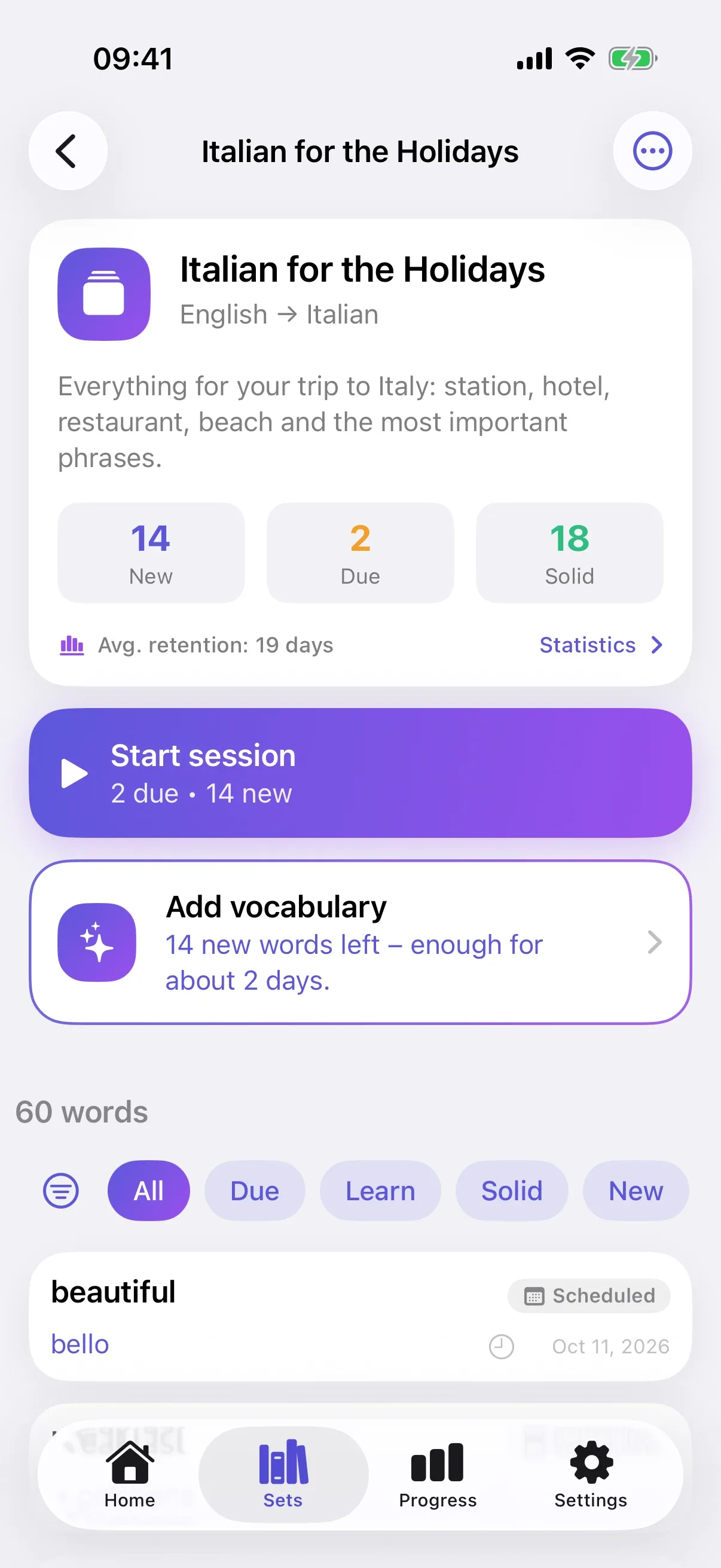
Instead of a ready-made list from a textbook, you get a set built around your situation. Sayumi then plans the reviews on its own.
A holiday in Italy, meetings in English or your first steps in Japanese: describe your situation in your own words and choose your level.
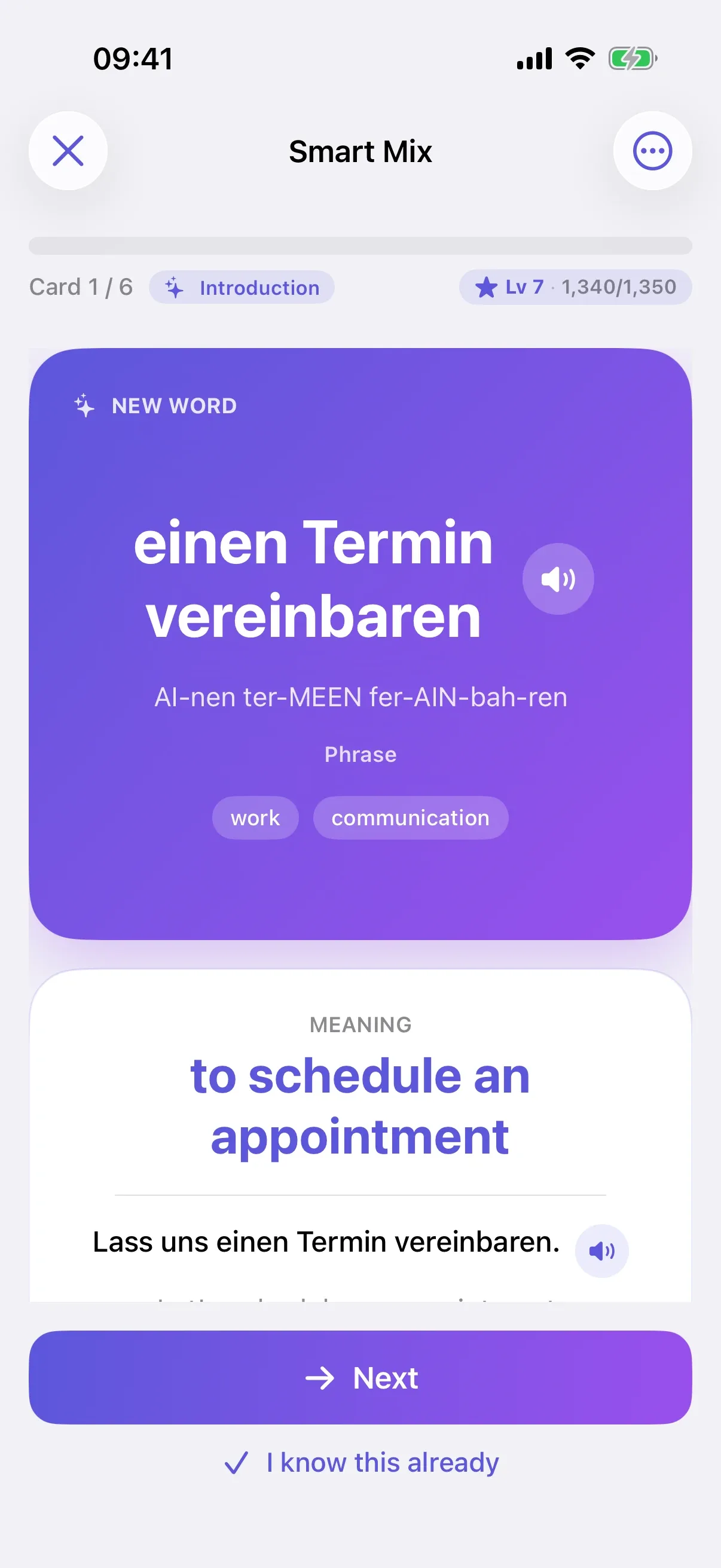
The AI writes words and short phrases for your topic. Every card has an example sentence, pronunciation, part of speech, gender and plural, and duplicates are filtered out.
The Smart Mix introduces new words, quizzes you on them and brings them back right before you’d forget them.
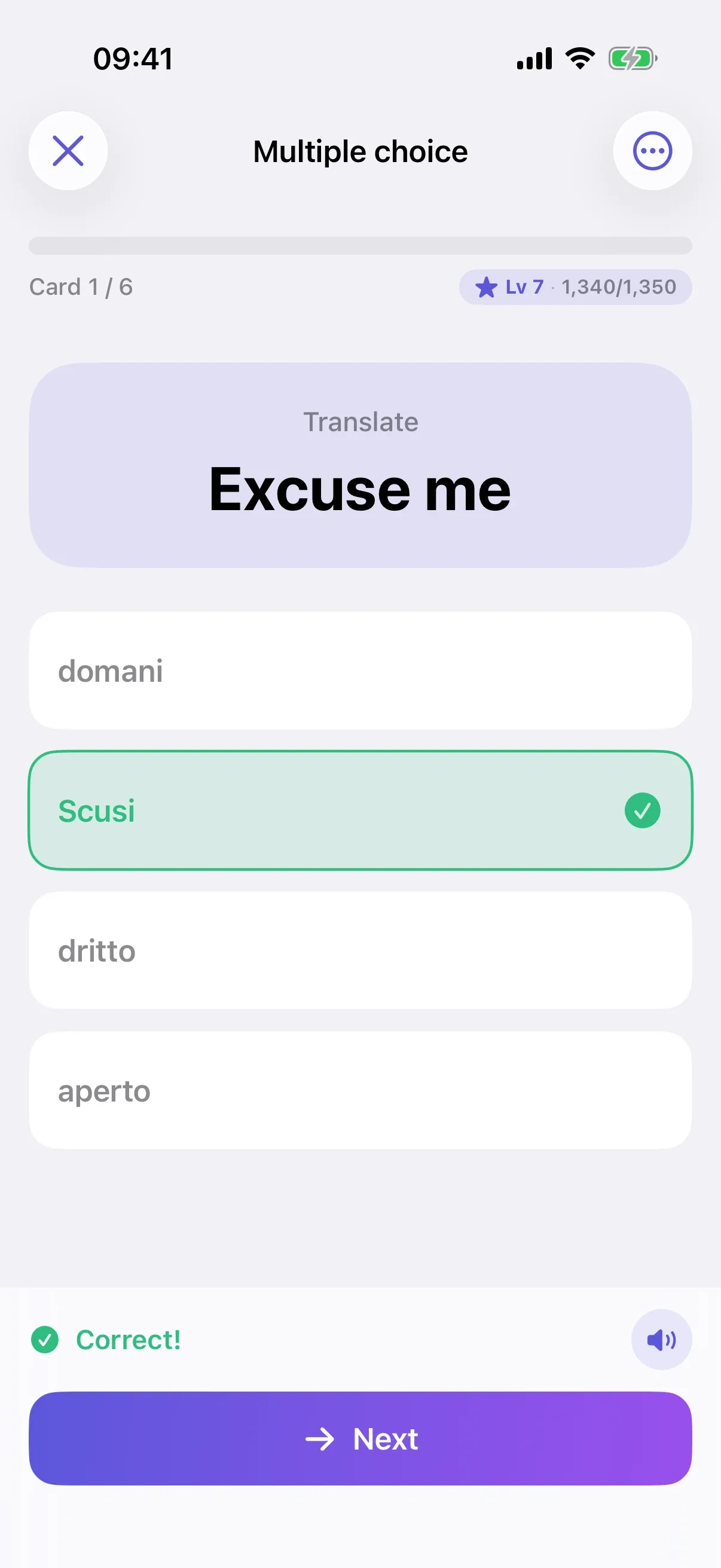
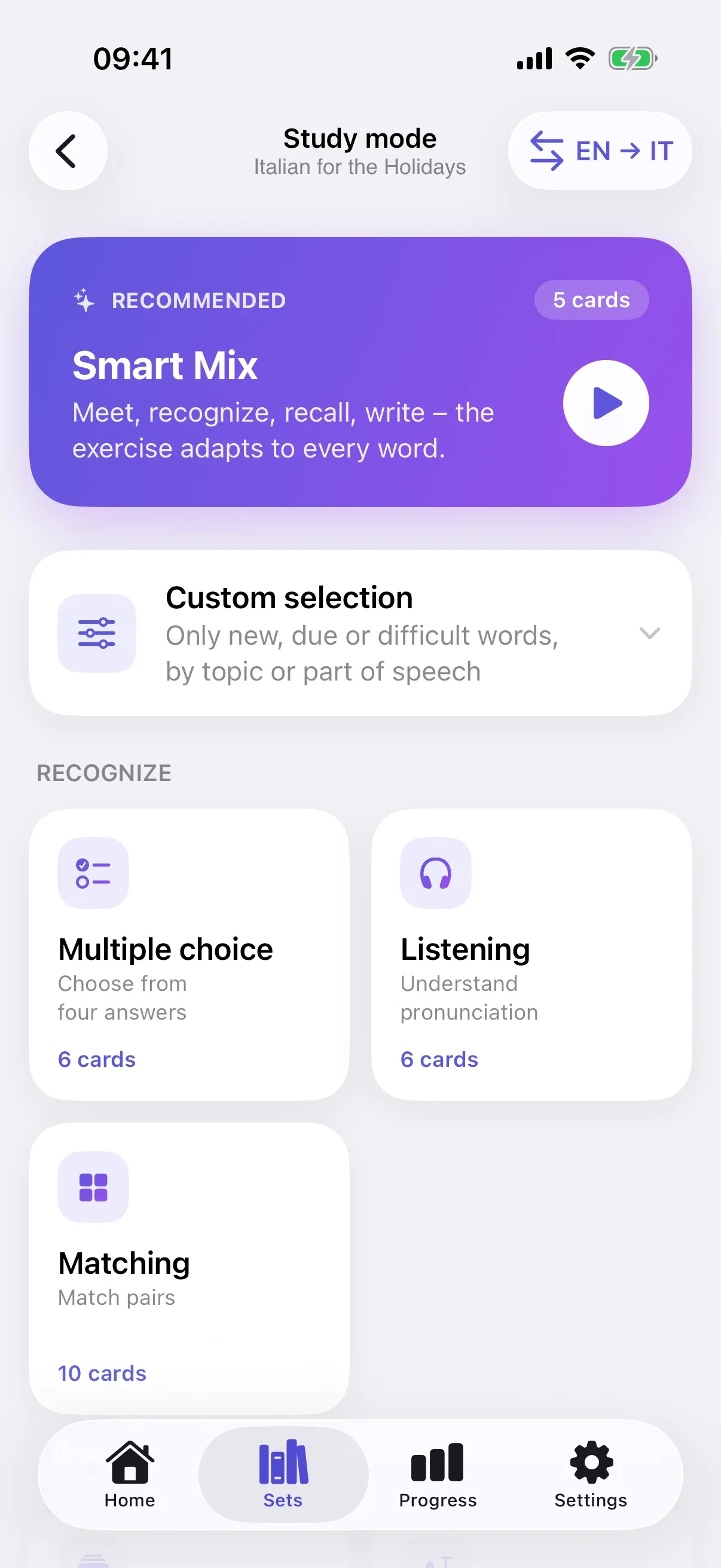
The Smart Mix picks the exercise that helps most for each word. New words start with easy tasks; solid words get harder ones.
Also included: dictation, sentence listening and sentence dictation. The Smart Mix combines all modes.
You see new words calmly first, with meaning, pronunciation and an example sentence. A few cards later, Sayumi quizzes you on them.
Without review, a new word is gone within days. Using the FSRS algorithm, Sayumi works out for each word when your chance of remembering it drops to 90% and quizzes you then. With every correct answer, the gap grows.
Every card has its own plan. It adapts after each answer.
Typing and speaking count more than recognizing. If you hesitate for a long time, the word comes back a little sooner.
After a break, what’s still fresh comes first. New words wait until you’ve caught up.
Once today’s cards are done, you can keep going: shaky words often, solid ones rarely, and never the same word twice in a row.
You learn the words you need in your situation, not lists from a textbook. Every card is complete, and more words are one tap away.
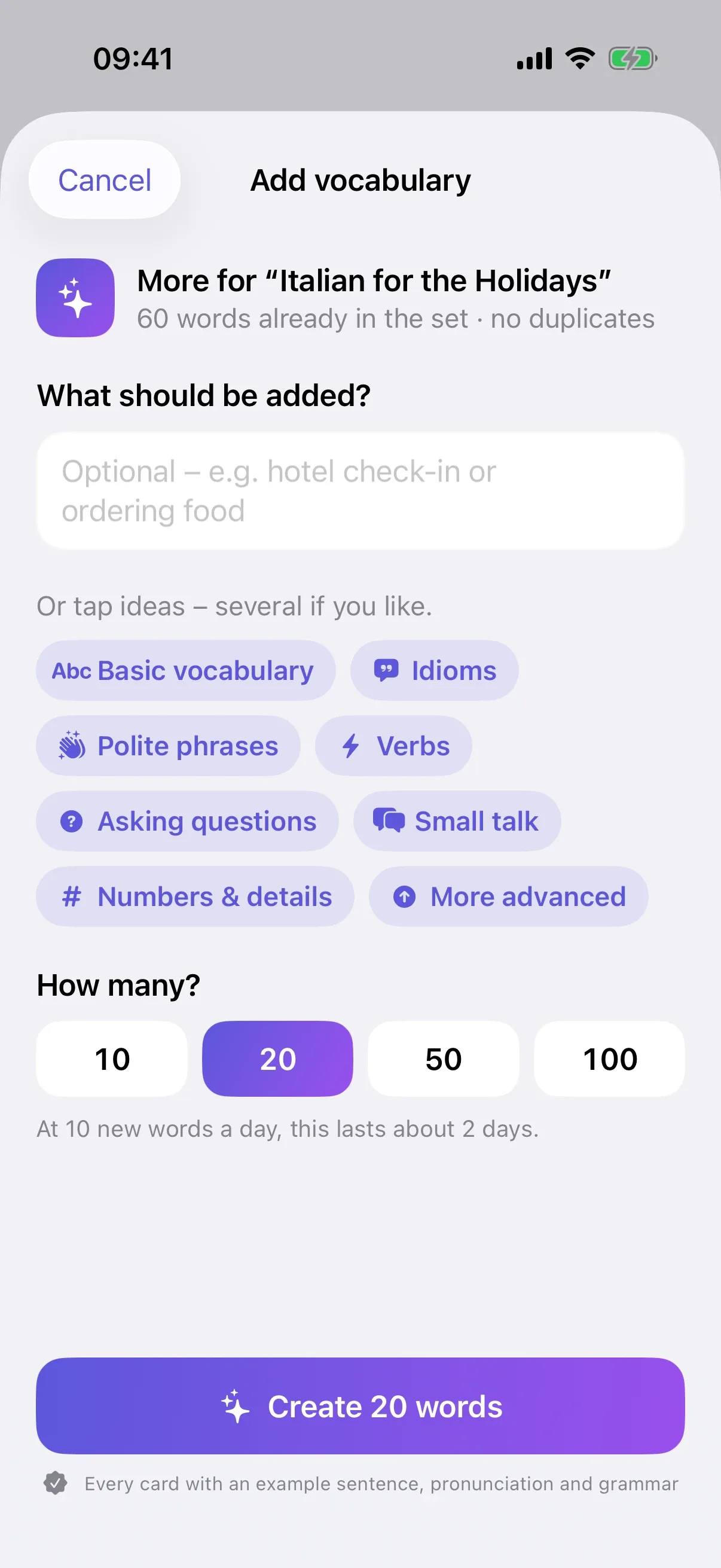
Sayumi shows you how many days your new words will last. With “Add vocabulary” you pick ideas like idioms, verbs or small talk, or you write what you’re missing.
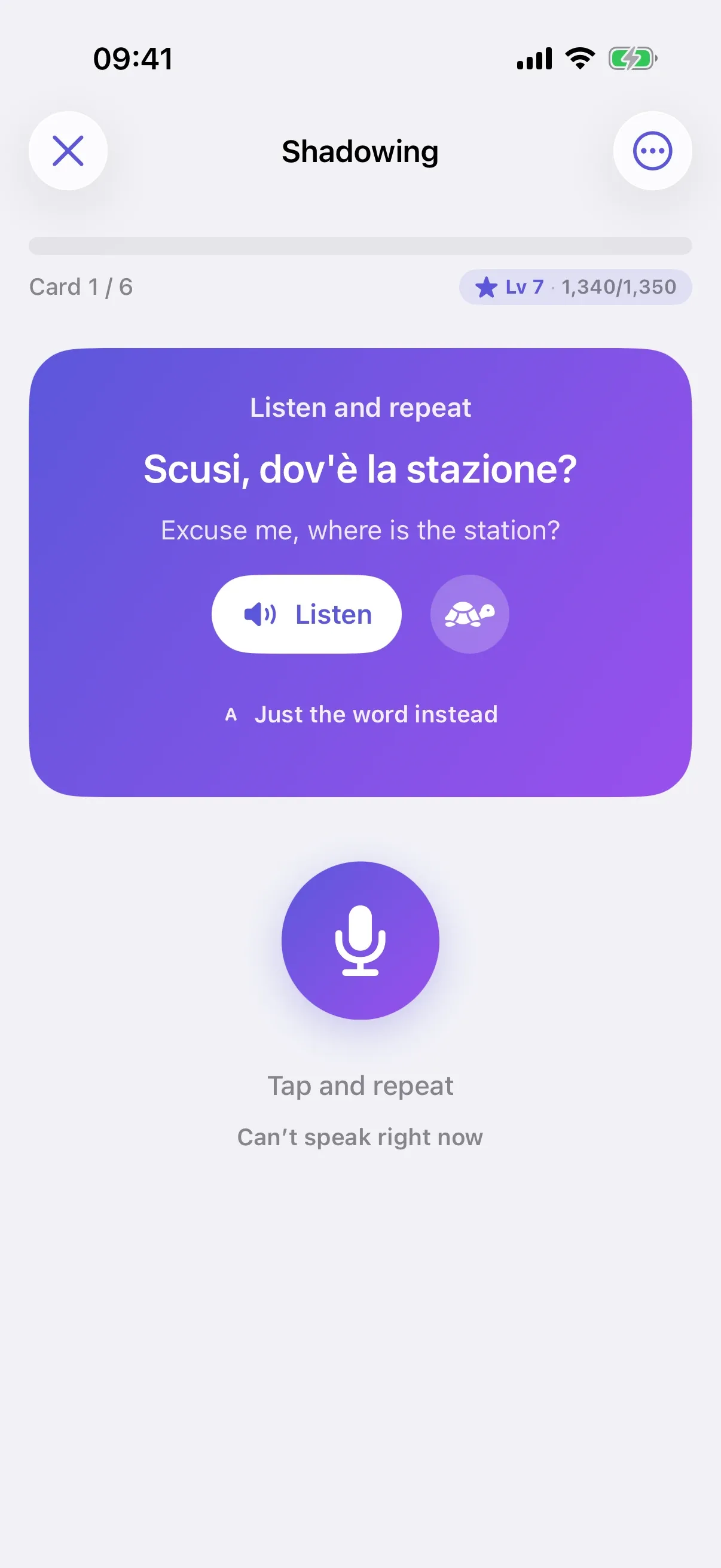
In “Speaking” you say the translation out loud; in “Shadowing” you repeat whole sentences. Speech recognition runs on the device. Recordings are neither stored nor sent.
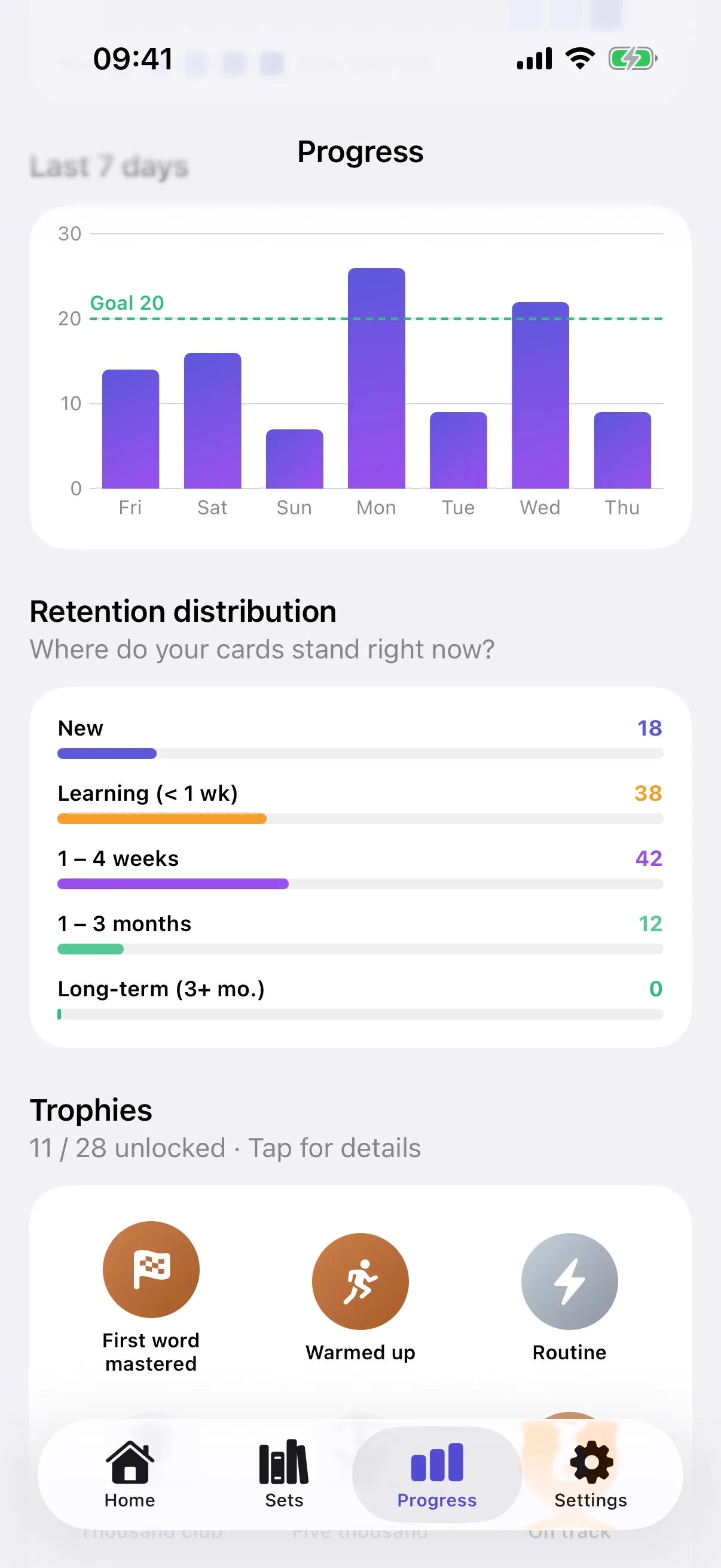
A daily goal, a streak and levels show you that you’re making progress. Miss a day, and streak protection steps in.
You set your own daily goal. The streak grows with every study day, your level with every answer. Streak protection automatically bridges a missed day.
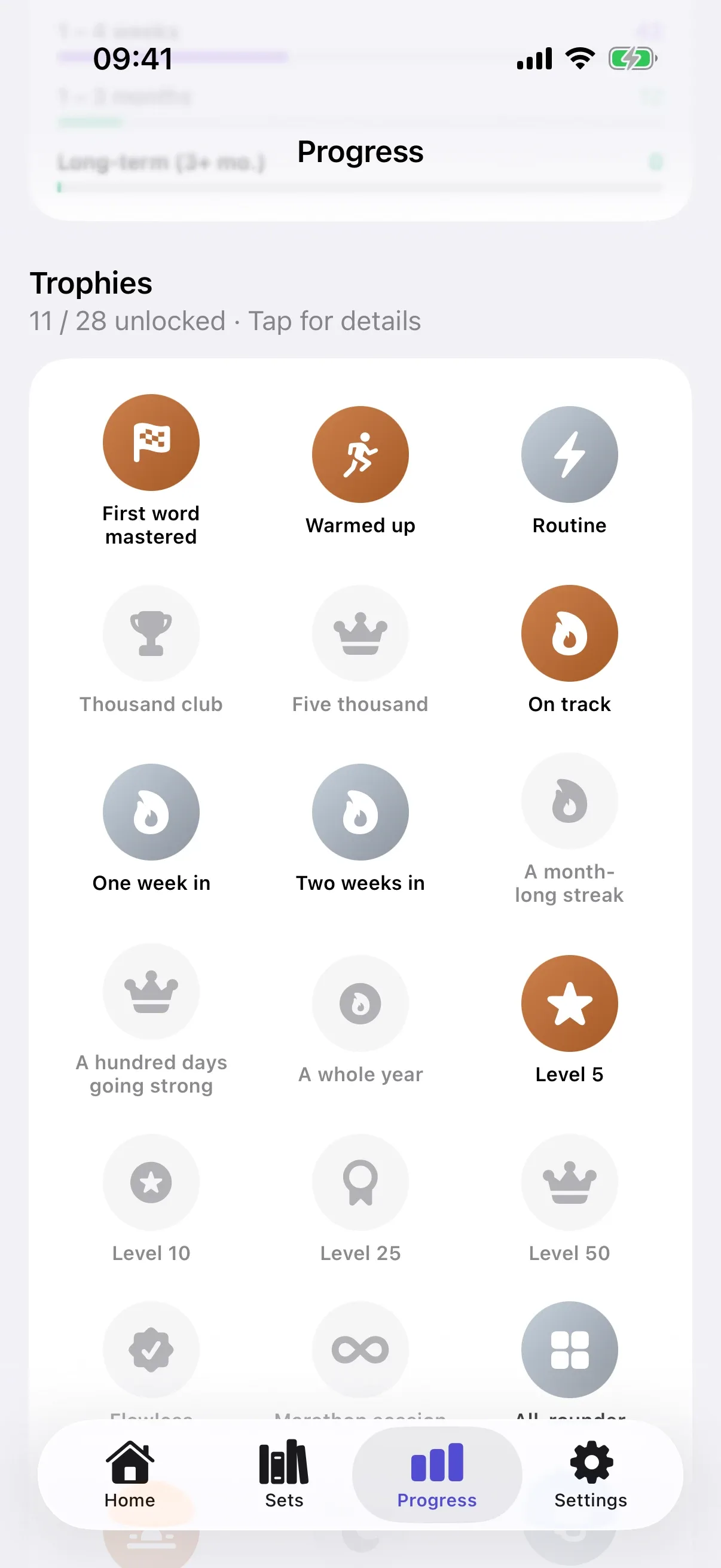
From your very first word to a full year’s streak.
Two new quests every day and one for the week keep the routine varied.
Sayumi reminds you at the time you usually study and warns you in the evening before your streak breaks.
A forecast of the coming days, an activity calendar, a weekly recap and how long your words have been sticking.
XP, level-ups and your streak at a glance. Still in the mood? Tap “Keep learning”.
Due cards and your streak on your Home Screen.
“Learn with Sayumi” starts today’s session.
Sets and progress on all your iPhones.
What you achieved, compared with the week before.
Uncluttered and easy to read, in light and dark.
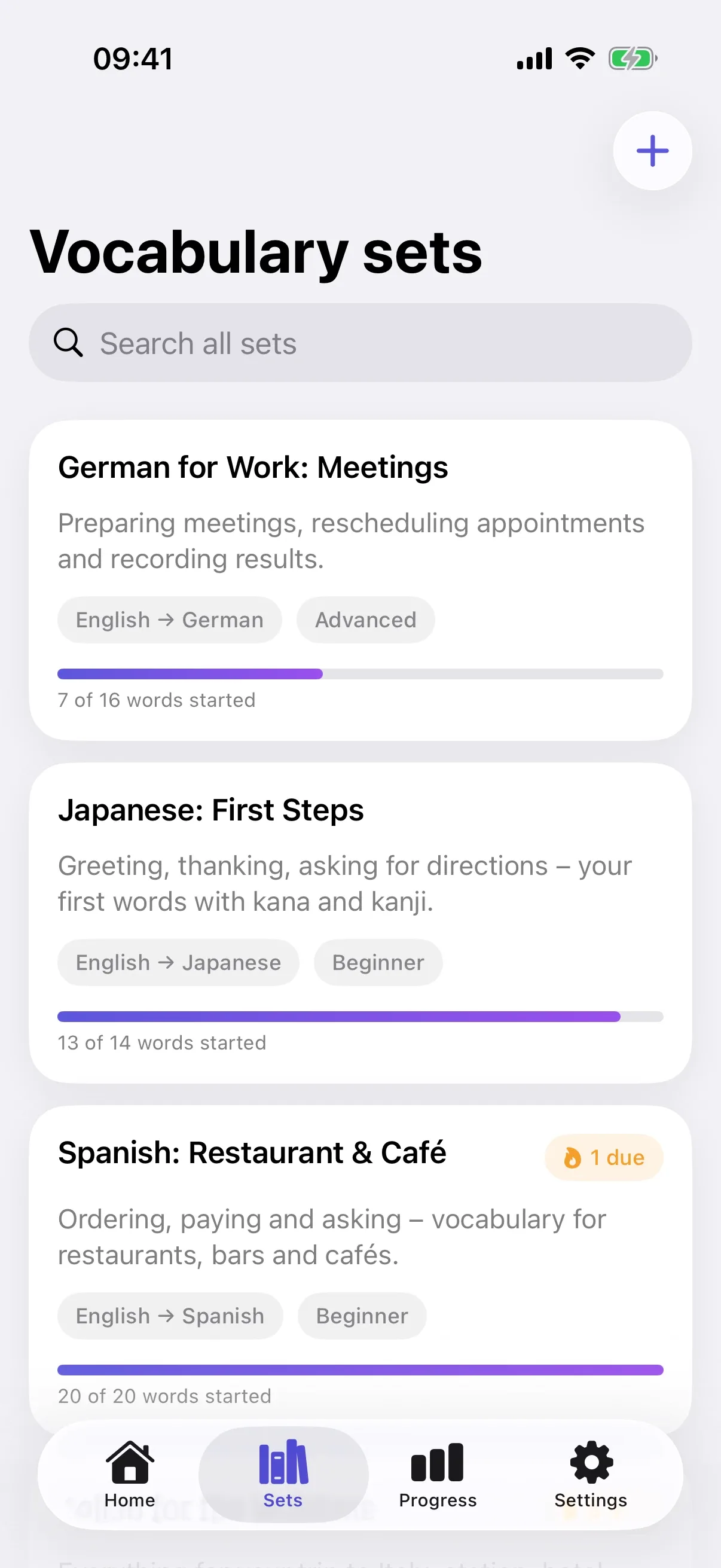
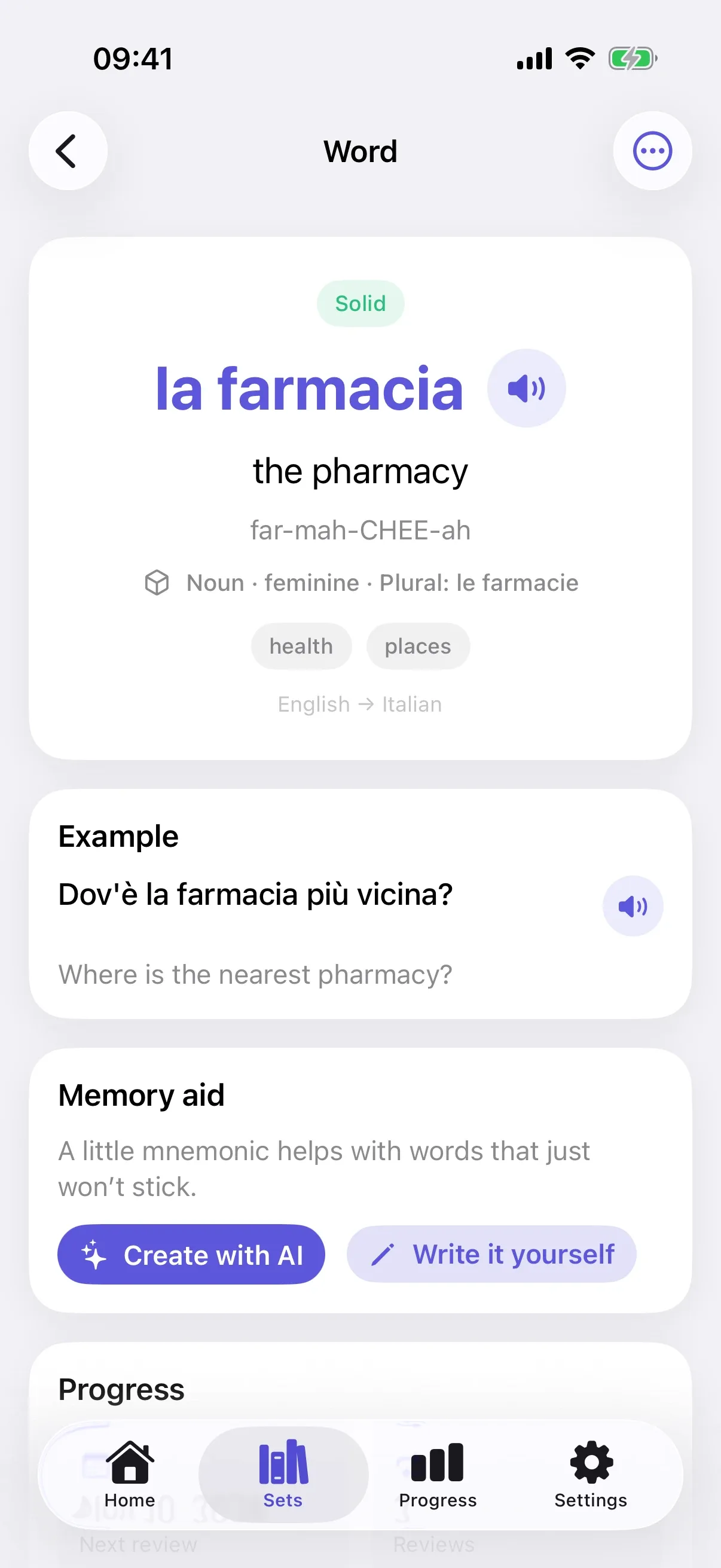
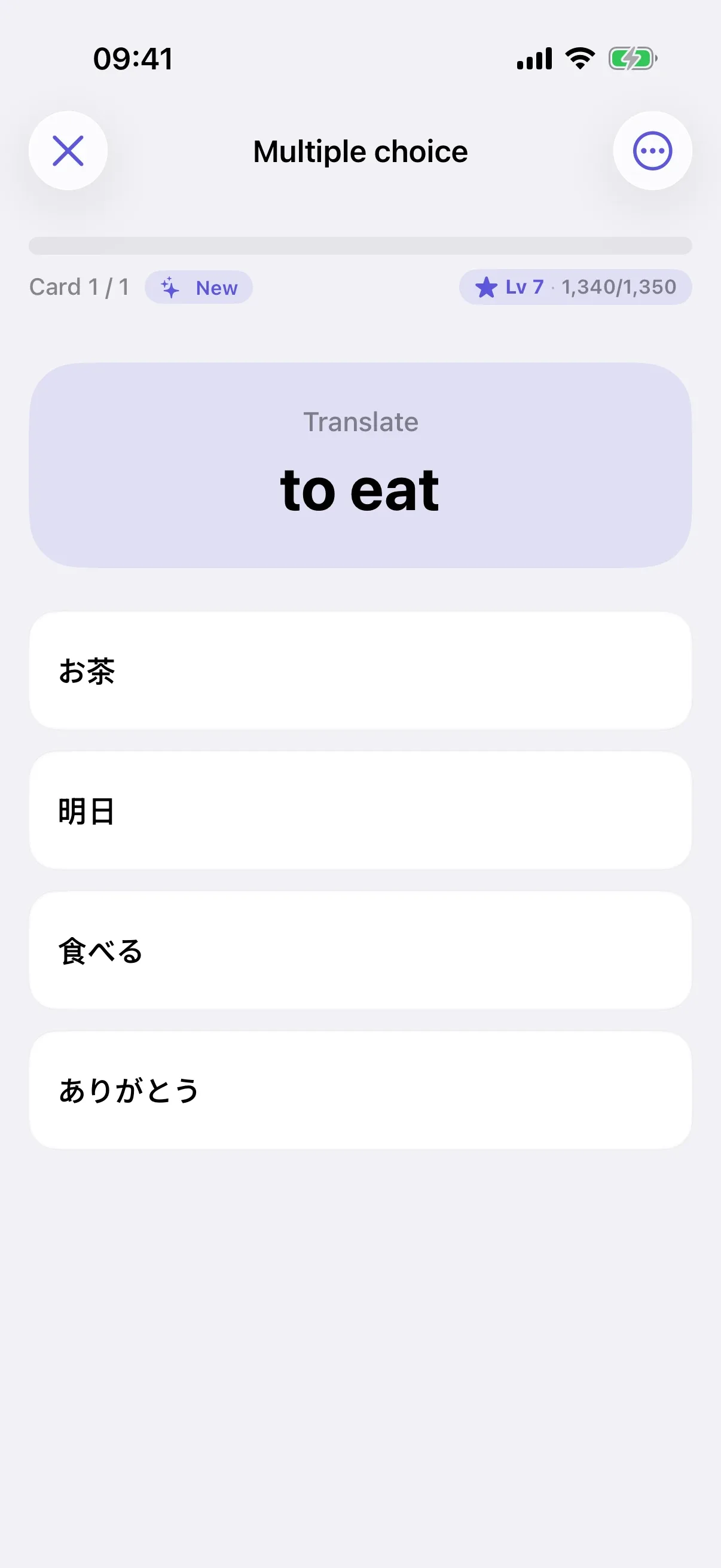
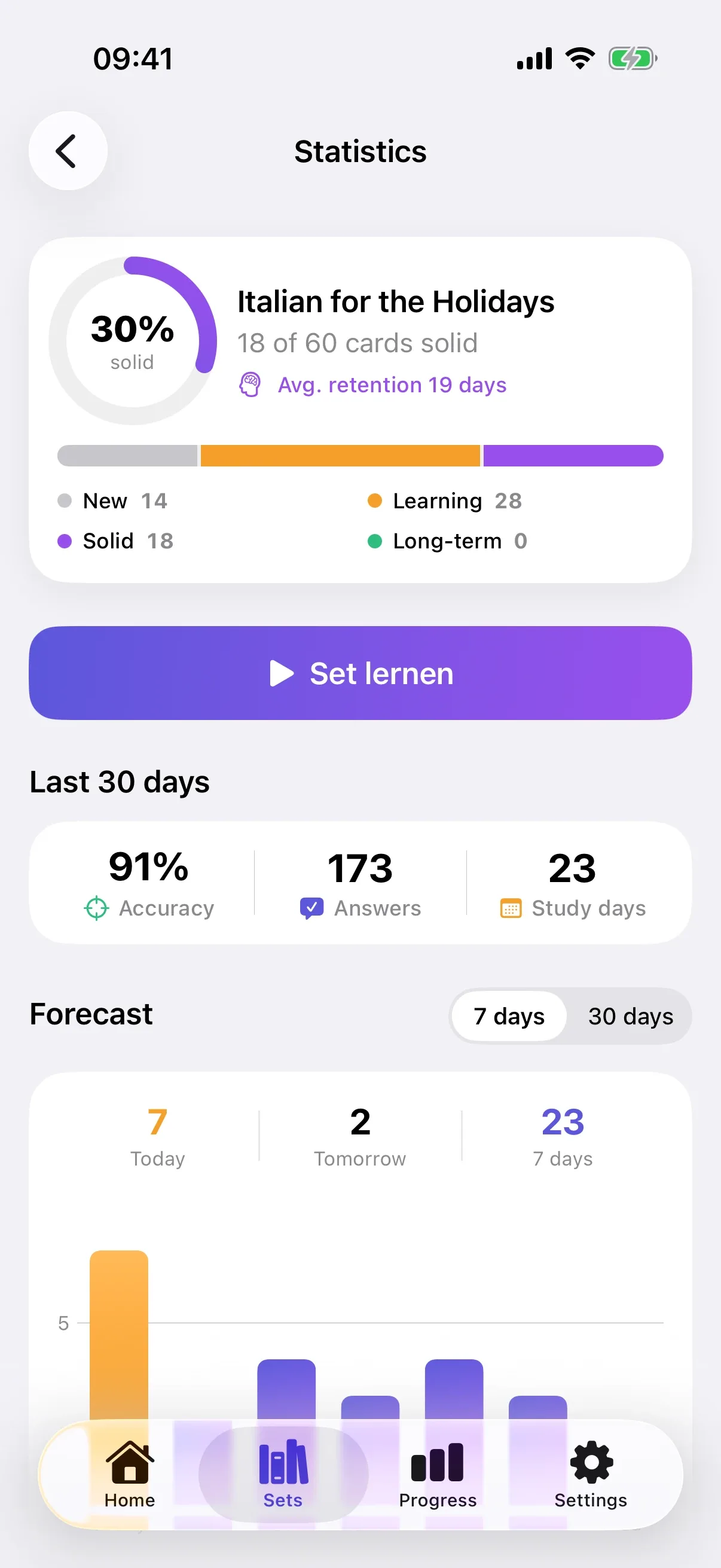
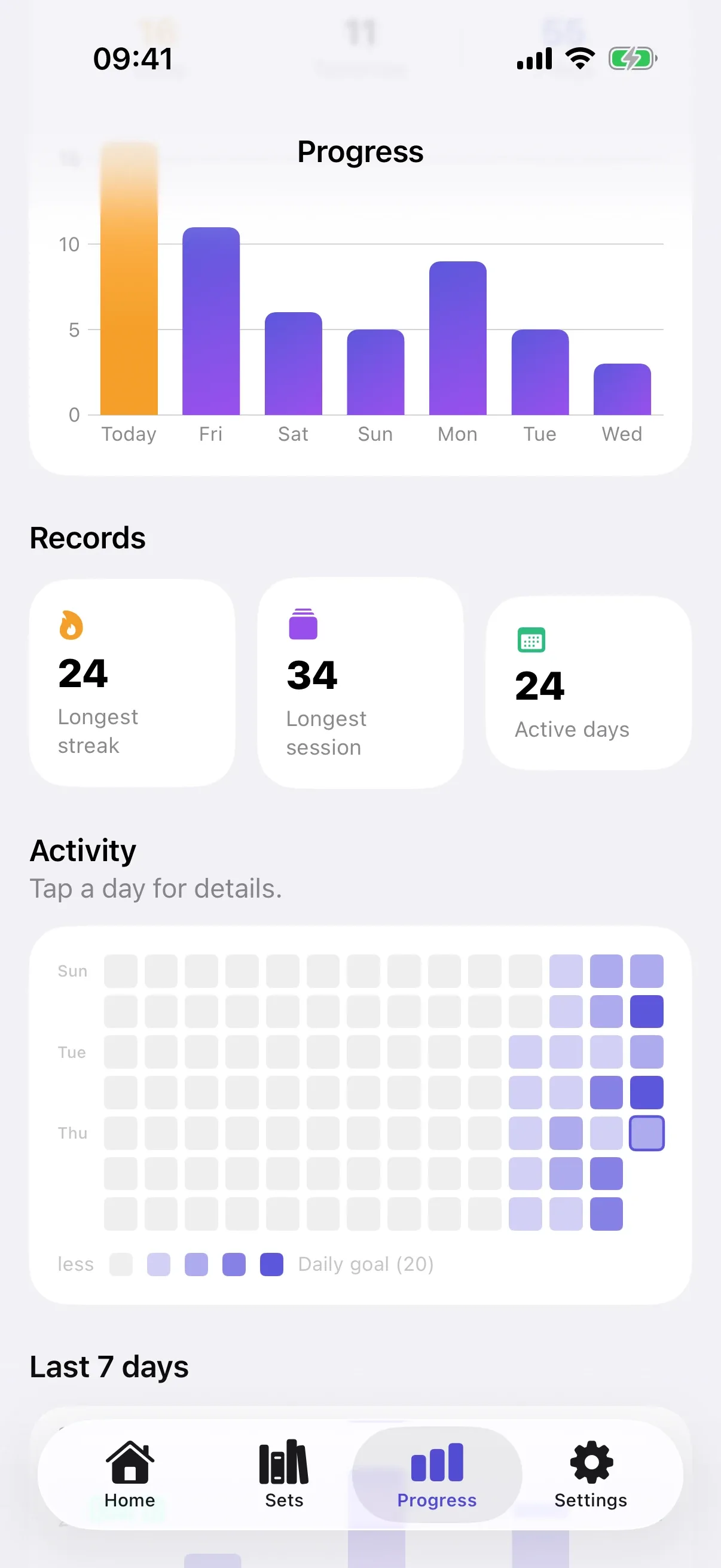
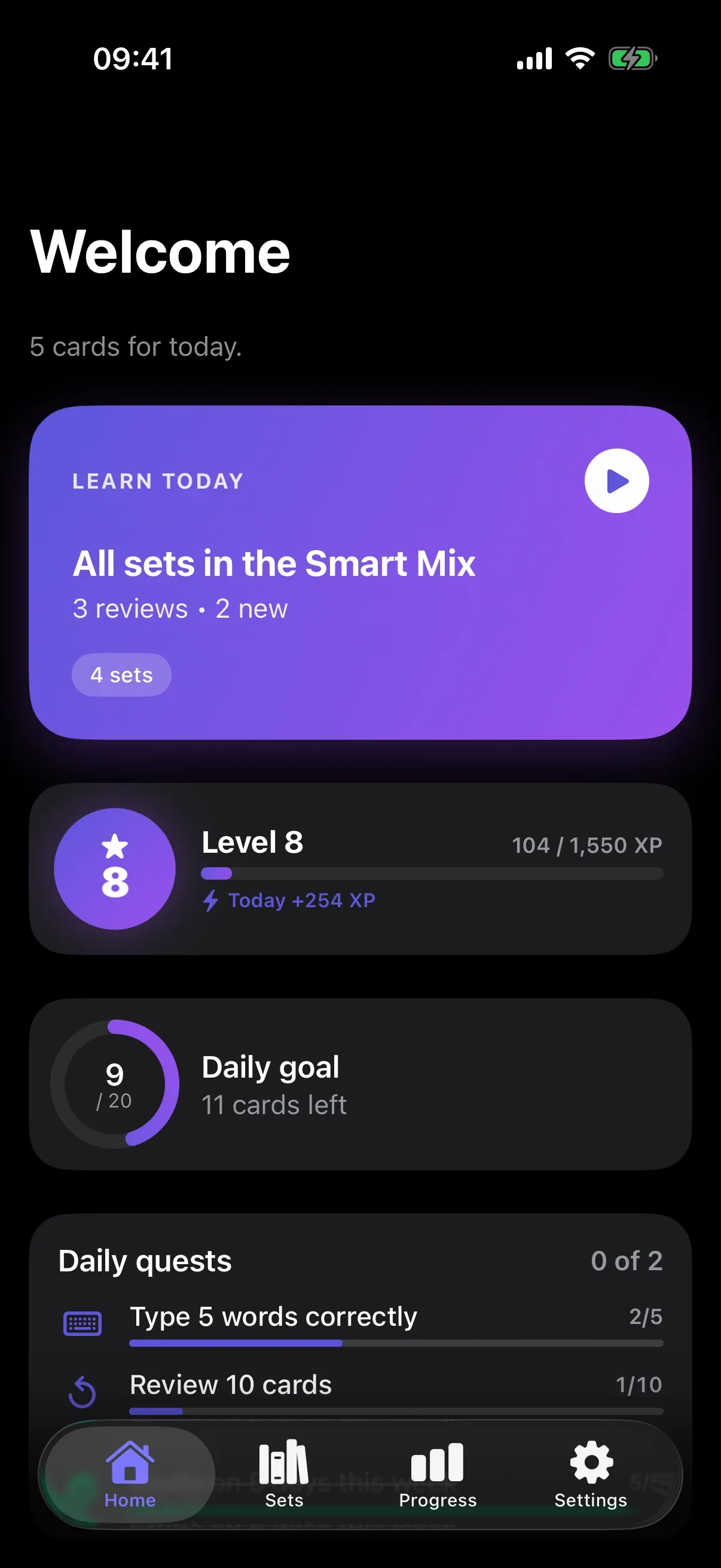
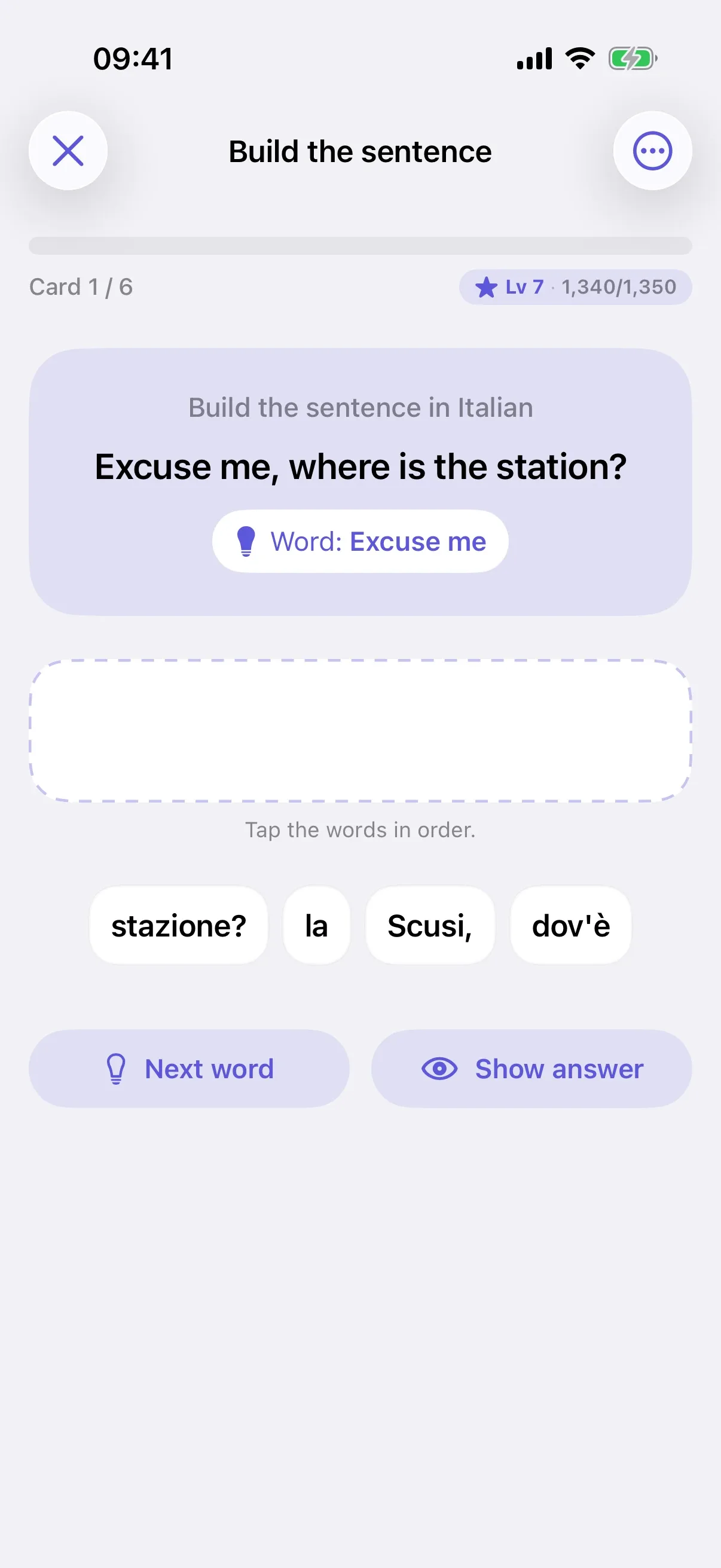
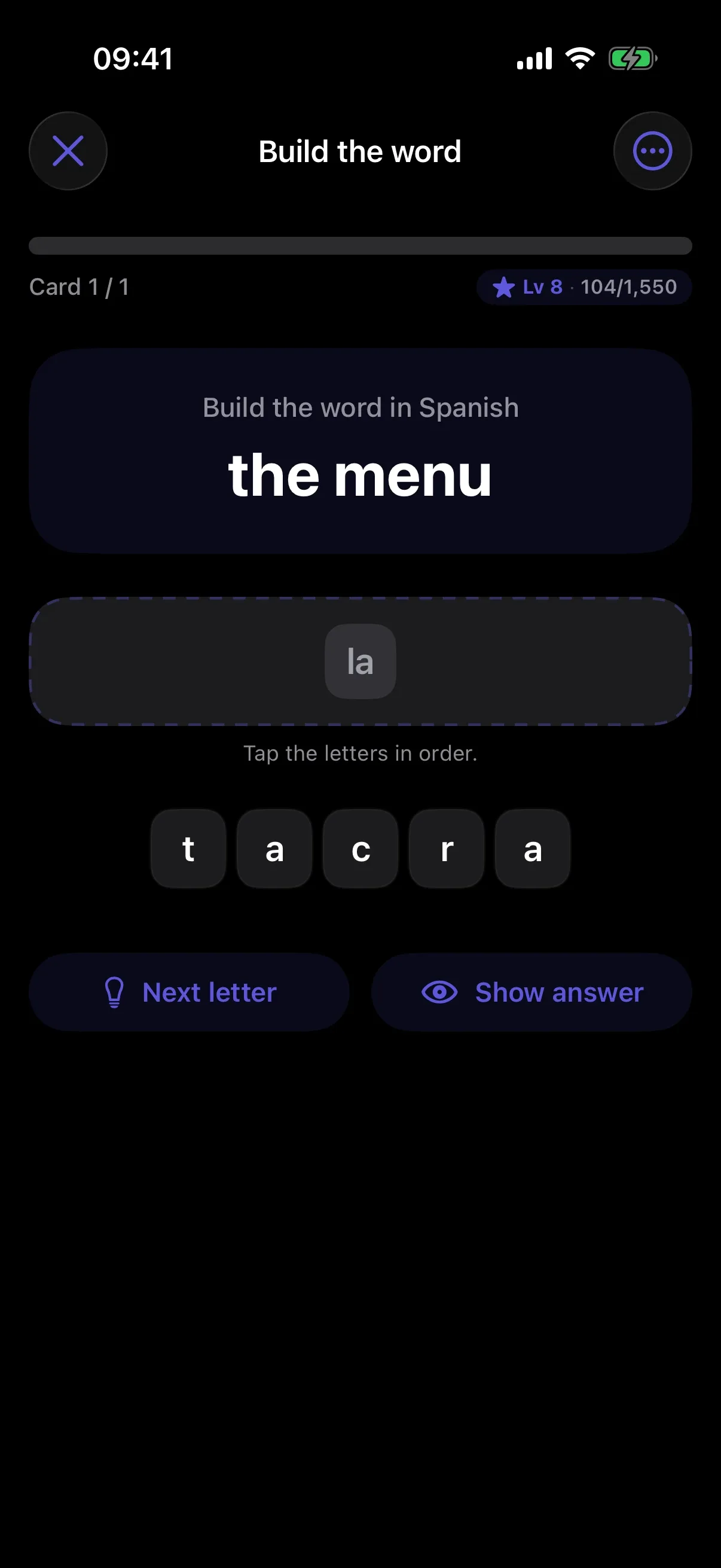
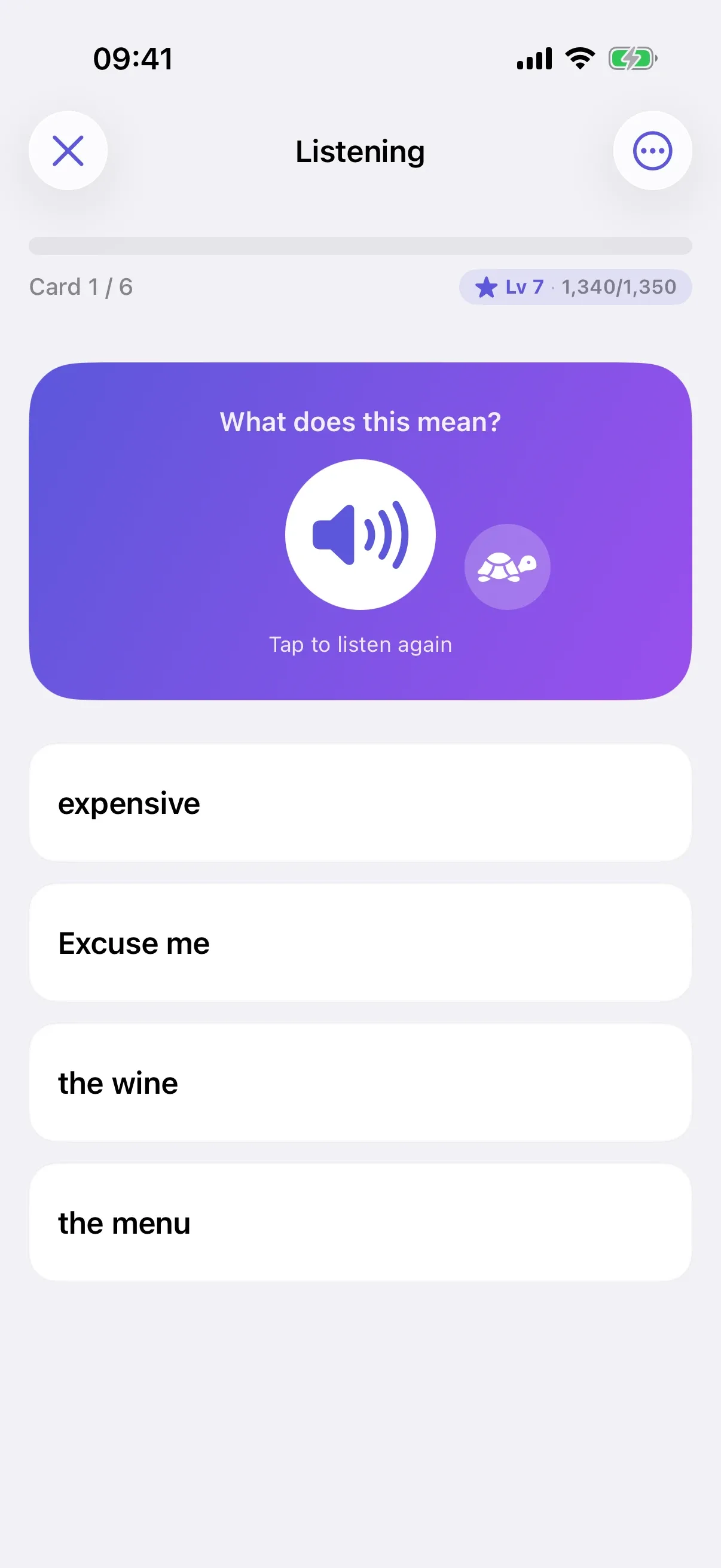
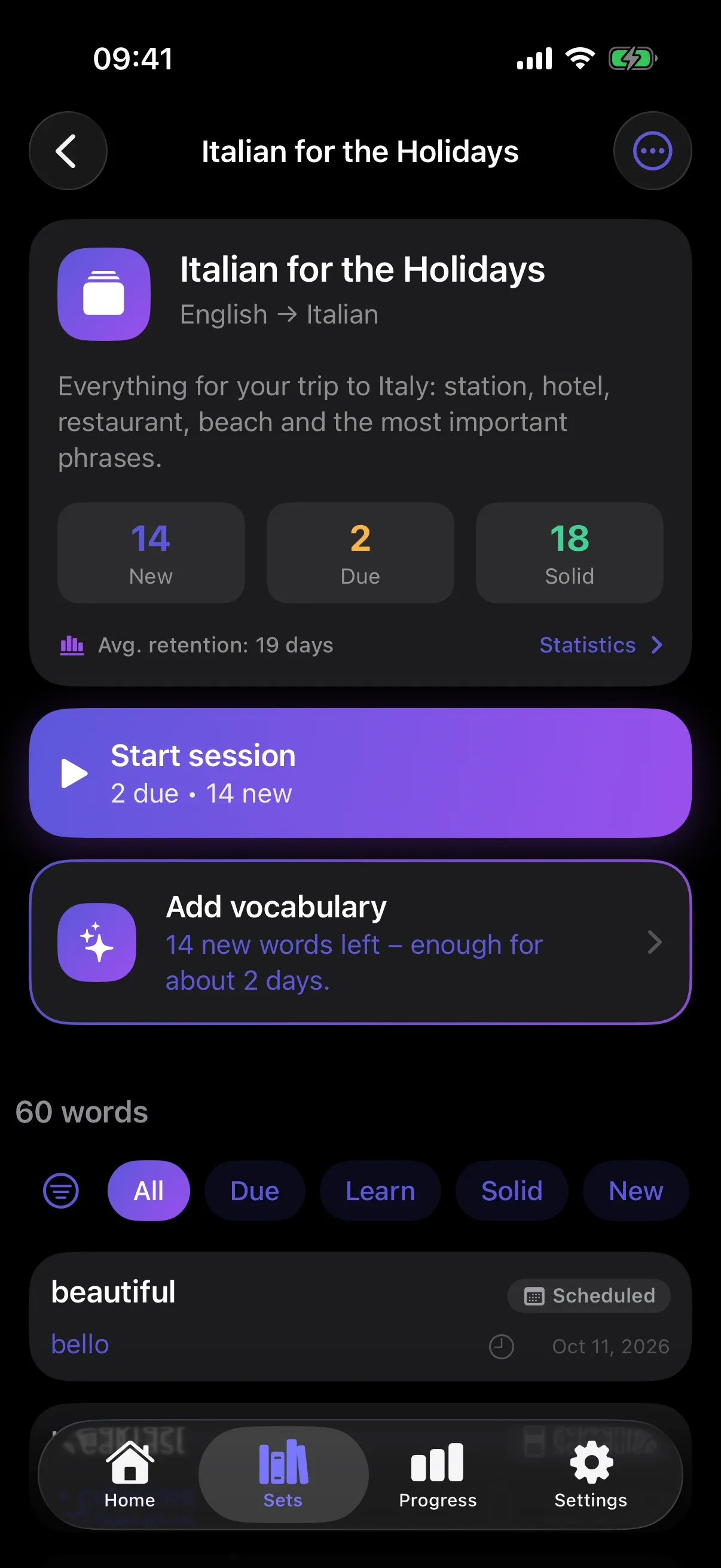
Sayumi follows your iPhone’s setting or stays light or dark. Add large text, VoiceOver and cues that work without color.
Each language with its own script, read-aloud voice and speech recognition, wherever your iPhone offers them.
Your learning data stays on your iPhone and, if you like, in your private iCloud. Sayumi has no server of its own.
Start right away, with no email address and no password.
Sayumi contains no ads and no analytics or tracking tools.
Synced through your private iCloud database. We have no access to it.
Only after you agree are your topic description and vocabulary sent to the AI (OpenAI). You can withdraw consent in Settings.
Speech recognition runs on your iPhone. Recordings are neither stored nor sent.
Export all your data at any time, or delete everything with one tap.
Sayumi is a vocabulary trainer for iPhone. You describe what you need a language for, and the AI creates matching vocabulary with example sentences, pronunciation and grammar. A review schedule based on the FSRS algorithm quizzes you on every word right before you would forget it.
Most vocabulary apps need ready-made lists. Sayumi creates the words for your topic with AI, adds an example sentence, pronunciation and grammar, and practices them in 15 modes, from recognition to free speaking. You can still import your own lists from Anki or CSV.
20 languages: Arabic, Chinese, Czech, Danish, Dutch, English, Finnish, French, German, Greek, Italian, Japanese, Korean, Norwegian, Polish, Portuguese, Russian, Spanish, Swedish and Turkish. The app itself is available in English and German.
With your explicit consent, Sayumi sends your topic description to OpenAI. The response is checked automatically: duplicate words, incomplete cards and wrong languages are filtered out. You don’t need an account for this.
Spaced repetition means reviewing words at growing intervals, each time right before you would forget them. Sayumi uses FSRS for this, a modern, research-based algorithm that calculates for each word how well it sticks.
Yes. You can create your own cards, import lists as CSV or TSV files and Anki exports in text format, and share whole sets with others as a file.
Studying, read-aloud and speech recognition work without an internet connection. Only creating new vocabulary with AI needs one. iCloud sync catches up as soon as you’re back online.
No. Sayumi works without an account, without an email address and without ads. Your data lives on your iPhone and, if you like, in your private iCloud.
No, Sayumi is an iPhone app. You can export your sets at any time as CSV or as a file.
Sayumi is coming soon to iPhone. Describe your topic, and the AI creates your first set in seconds.